Automating outbound sales means building a system that finds the right prospects, sends them personalized messages across multiple channels, captures replies in one inbox, and routes hot leads to a human - all running on schedule without you touching it day-to-day. The setup takes 8 concrete steps and goes from ICP definition to scaling across clients. Done right, one founder can run outbound that used to require a 5-person SDR team. Here is exactly how to build it.
Short answer: To automate outbound sales, you define a tight ICP, build a verified lead list, set a brand voice the AI can write in, design a multi-channel sequence (LinkedIn + email at minimum), connect your sending accounts, launch at low volume, iterate on real reply data, and then scale across more inboxes or more clients. The whole setup takes 3 to 5 days of work and runs on autopilot after that.
What "Automated Outbound Sales" Actually Means
Automated outbound is not a magic button. It is a system with five moving parts working together: a prospecting layer that pulls leads, a content layer that personalizes messages, an execution layer that sends across channels on a schedule, an inbox layer that captures replies, and a CRM layer that tracks who is hot. When any of those break, the whole thing stops producing meetings.
Most people who say "I tried automating outbound and it didn't work" actually set up two of the five layers and called it a system. Email-only automation with no reply handling, or LinkedIn automation with no CRM. The output was leads going into a void. That is not automation - that is a sender bot.
The 8 steps below build all five layers in the right order. Skipping ahead breaks the chain.
Step 1: Define Your ICP Tightly
Before you touch any tool, write down exactly who you are targeting. The mistake at this stage is being vague. "B2B SaaS founders" is not an ICP. "Founders of B2B SaaS companies, 10-50 employees, headquartered in North America, raised a seed round in the last 18 months, currently hiring sales roles" is an ICP.
The tighter your ICP, the better every downstream step works. Personalization writes itself when you know the prospect's exact context. Reply rates double when the message obviously could not have been sent to anyone else.
- Industry and sub-industry: not just "software" - specify the niche
- Company size: employee count and revenue range
- Geography: country, region, or city if local
- Role and seniority: the exact title or 2-3 title variations
- Trigger signals: recent funding, hiring, new exec, tech stack changes
Write a one-page ICP document and keep it open while you do the rest of the setup. Every decision afterward references it.
Step 2: Build a Verified Lead List
This is where most outbound setups quietly die. A list of 5,000 unverified emails will burn your domain reputation in a week. A list of 500 verified contacts who match your ICP will book meetings.
For B2B lead sourcing, you have three options: a built-in database tool (Apollo, ZoomInfo, Lemlist's database), a pay-per-search service like the Apify B2B Lead Finder, or manual list building from LinkedIn Sales Navigator. The right choice depends on your volume and budget. For agencies running campaigns for multiple clients, the pay-per-search model usually wins on margin.
Whatever source you pick, run every email through a verification service before import. Bounce rates above 2% damage your sender reputation. Expect to remove 10-20% of any raw list as invalid.
For the deep dive on list building strategies and tool selection, see our B2B lead generation playbook.
List quality benchmark: in our experience, a list with under 2% bounce rate and 70%+ ICP match produces 5-12% reply rates on a good sequence. A list with 8% bounce and loose targeting produces under 1% reply rate and gets your domain blacklisted. The list matters more than the copy.
Step 3: Set Your Brand Voice for the AI
If you are using AI to personalize messages at scale, you need to teach it your voice before it writes anything. Otherwise you get generic GPT-flavored sludge that every prospect has seen a hundred times.
The brand voice document should include: tone (casual, professional, direct, warm), specific words and phrases you use, words you never use, sentence length preferences, and 5-10 example messages you wrote by hand that the AI should emulate. The example messages are the most important part. AI mimics patterns far better than it follows instructions.
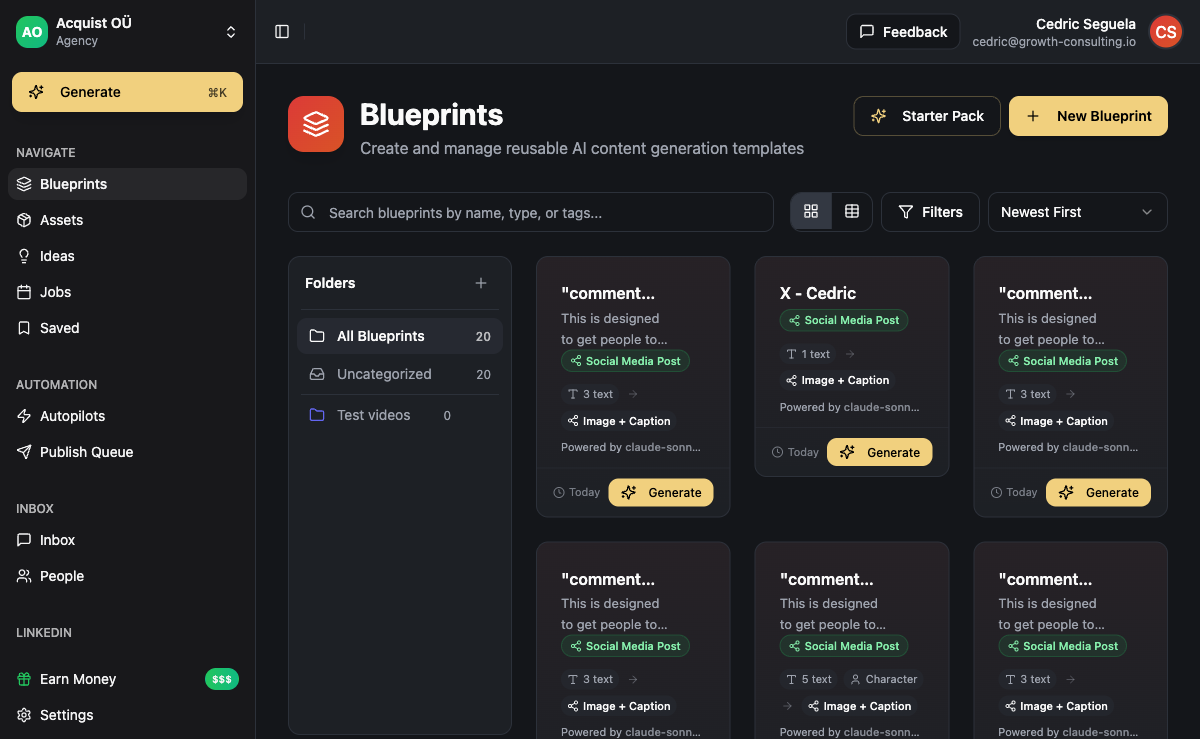
Inside ACA, the brand voice lives at the workspace level. Once configured, every Blueprint and every outreach message generated for that workspace inherits the voice. For agencies, this means each client gets their own isolated voice without contaminating others.
Step 4: Design the Multi-Channel Sequence
Single-channel sequences are dead in 2026. Email-only sequences require 6-8 follow-ups to get a response and burn out inboxes. LinkedIn-only sequences cap at LinkedIn's daily limits and miss anyone who lives in their email. The combination beats either alone by a wide margin.
A baseline sequence that works for most B2B targets:
- Day 1: LinkedIn connection request with a short personalized note (under 200 characters)
- Day 3: If accepted, send a LinkedIn DM with the actual pitch. If not accepted, send the same message as a cold email.
- Day 7: Email follow-up referencing the LinkedIn touch
- Day 12: Second email with a different angle (case study, specific question, soft offer)
- Day 18: WhatsApp message or LinkedIn voice note (if available)
- Day 25: Final breakup email
The branching matters. The sequence should know whether the prospect accepted the LinkedIn invite, opened an email, or replied - and route accordingly. Static sequences that send the same steps regardless of behavior waste touches and feel robotic.
Step 5: Connect Your Sending Accounts
For email, never send cold outreach from your primary domain. Register 2-4 secondary domains as variants of your brand (acme-team.com, getacme.io) and host 2-3 Google Workspace inboxes per domain. Warm each inbox for 3-4 weeks before launching real outreach. Skipping warm-up is the fastest way to get blacklisted.
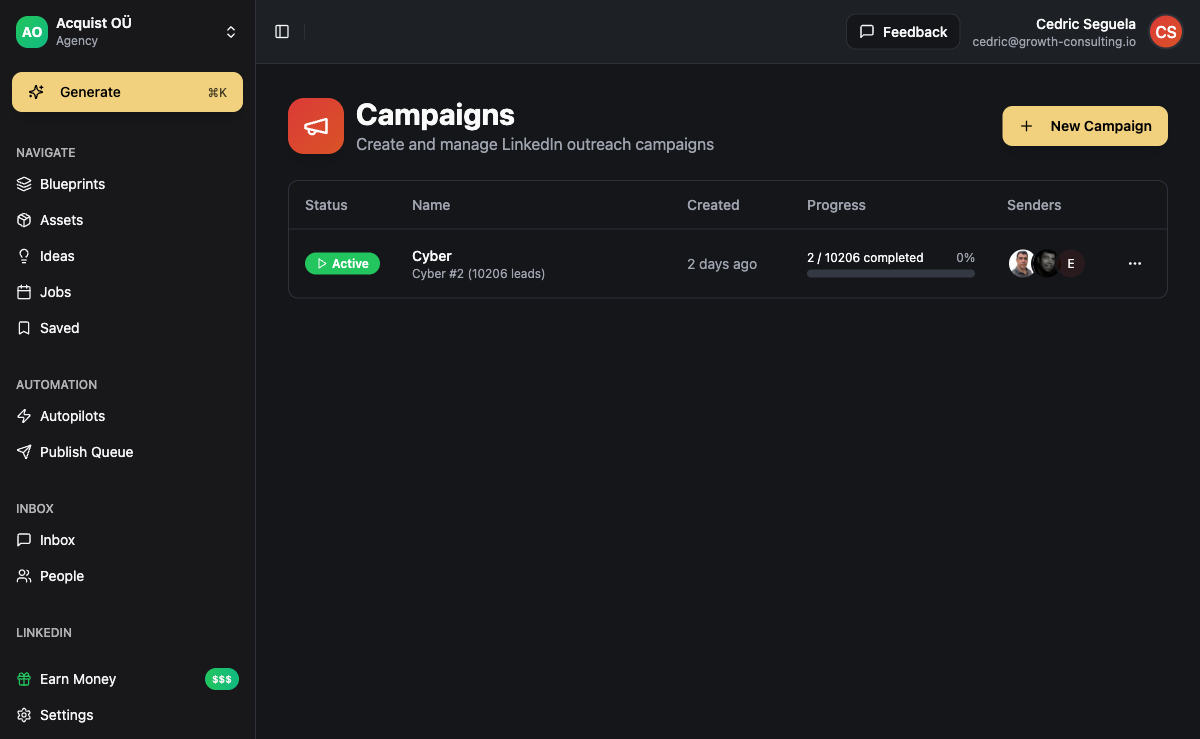
For LinkedIn, use the same account you would use as a human. Outreach platforms connect via the Unipile API or similar, which behaves like a logged-in browser session. Respect LinkedIn's daily limits - 20-25 connection requests per day, 50-100 messages to connections. Bots that exceed these limits get accounts restricted.
WhatsApp connects via WhatsApp Business or a hosted number. Instagram, Telegram, and SMS each have their own connection flow. The whole point of using a multi-channel platform is that all these connections live in one place rather than five separate logins.
Use a single tool when: you want all sending accounts, sequences, and replies coordinated automatically. One platform means one source of truth, no double-messaging, and a unified inbox.
Use separate tools when: you only run one channel, or you have a dedicated person managing each channel independently. The coordination overhead is real and almost never worth it past two channels.
Step 6: Launch at Low Volume First
The temptation at this stage is to load 5,000 leads into the sequence and let it rip. Don't. The first 100 sends are diagnostic - they tell you whether the copy lands, whether the targeting is right, whether deliverability is healthy.
Launch with 50-100 contacts. Watch for three signals over the first week:
- Bounce rate above 5%: your list verification failed - stop and reclean
- Open rate below 30%: subject lines or deliverability issue - test alternatives before scaling
- Reply rate below 2%: copy or targeting is off - rewrite before adding more leads
If all three signals are healthy after week one, double the volume in week two. Keep doubling until you hit your daily sending capacity ceiling. Sudden volume spikes look like spam to mailbox providers, so the gradual ramp protects your reputation.
Step 7: Iterate on Real Reply Data
Automation is not "set and forget". It is "set, measure, adjust, set again". The teams that win outbound run weekly reviews of three metrics: reply rate by channel, reply rate by sequence step, and meetings booked per 100 sends.
If LinkedIn replies at 12% and email replies at 2%, lean harder on LinkedIn for that segment. If step 3 of your sequence outperforms steps 1 and 2, move the step 3 angle earlier. If meetings booked is climbing but reply rate is flat, your qualification is improving without you noticing - keep going.
The mistake here is changing too many things at once. Test one variable per week - subject line, opening sentence, CTA, sending time - and let the data settle before changing the next variable. Otherwise you cannot tell what worked.
Step 8: Scale Across Inboxes or Clients
Once you have a working sequence in one workspace, scaling looks different depending on who you are.
If you are a founder doing outbound for your own company, scaling means adding more inboxes. Each additional warmed inbox adds 40-50 sends per day to your capacity. Ten inboxes get you to 400-500 daily sends without hammering any single domain.
If you are an agency, scaling means adding more client workspaces. Each new client gets their own isolated workspace with their own ICP, brand voice, sequences, and sending accounts. The sequence template from your best-performing client becomes the starting point for the next - copy it, retarget it, rebrand it, launch it.
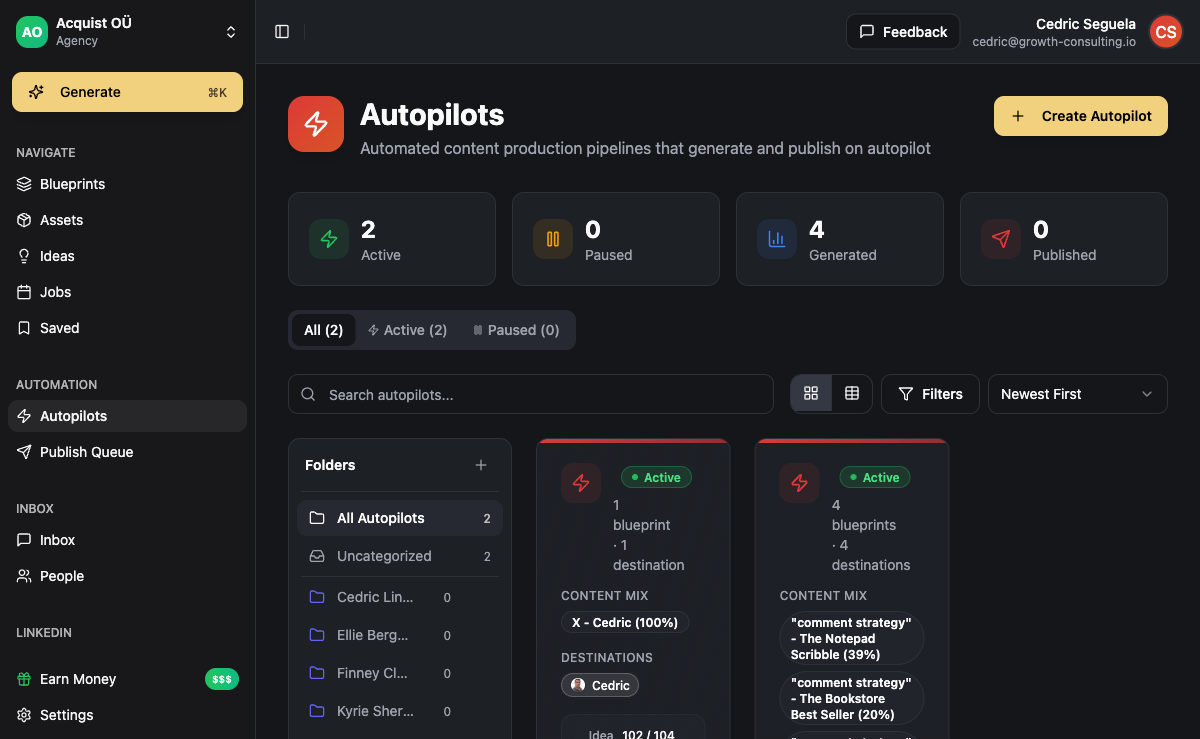
The platform you pick at step 5 either supports this scaling cleanly or fights you every time you add a new client. Tools built per-seat get expensive fast. Tools built per-workspace with white-label scale linearly.
Frequently Asked Questions
How long does it take to fully automate outbound sales?
From scratch, expect 3-5 days of focused setup work plus 3-4 weeks of inbox warm-up before you can launch at meaningful volume. The setup itself is one weekend if you know what you are doing. The warm-up cannot be rushed - it is the difference between landing in the inbox and landing in spam.
Can outbound sales be 100% automated?
No - and you should not want it to be. The prospecting, sending, and follow-up layers automate cleanly. Reply handling can be partially automated for objection responses and meeting booking. But the final qualifying conversation should always involve a human. Fully automated booking flows get you meetings with people who would never have bought anyway.
What is the minimum tool stack for automated outbound?
At minimum you need: a lead source (database or scraper), an email sending platform with warm-up, a LinkedIn automation layer, an inbox to capture replies across channels, and a CRM to track deals. That is five tools at minimum. A unified platform like ACA collapses all five into one, which is why most agencies eventually consolidate.
How much does it cost to run automated outbound?
For a solo founder running one company: $50-80/mo on a unified platform, $40-70/mo for Google Workspace inboxes, $10-20/mo on domains, $30-100/mo on lead sourcing depending on volume. Total: $150-300/mo for fully automated outbound at 300-500 sends per day. For agencies running multiple clients, costs per client drop significantly because the platform layer is shared.
What is the biggest mistake when automating outbound?
Skipping the list verification step. A dirty list torches your sender reputation in the first week and forces you to rebuild from scratch - new domains, new warm-up, new everything. The 30 minutes you save by not verifying costs you 3-4 weeks of recovery. Verify every list before import, no exceptions.
Should I automate outbound before I have product-market fit?
Yes, but at low volume. Automated outbound is one of the fastest ways to find out whether your offer resonates with your ICP. Send 100-200 personalized touches per week, talk to everyone who replies, and use those conversations to refine the offer. Scaling outbound at scale before you have PMF burns leads you cannot get back.