
AI appointment setting is the practice of using automated multi-channel outreach, AI-personalized messaging, and intelligent qualification workflows to book sales meetings without a human prospecting team. In 2026, agencies running this model are consistently booking 50-100 meetings per month per client - at a cost that makes traditional SDR teams look expensive. Here is exactly how it works and how to set it up.
What Is AI Appointment Setting?
AI appointment setting is a B2B sales process where software handles the full top-of-funnel workflow - finding target prospects, sending personalized outreach across multiple channels, qualifying interested replies, and routing warm leads for calendar booking - without requiring human involvement until a prospect shows genuine interest.
The term combines two distinct layers: the automation infrastructure (multi-channel outreach sequences that run on a schedule) and the AI layer (personalization at scale using real prospect data - recent LinkedIn posts, job changes, company news). Together, they let a single operator run appointment setting for multiple clients simultaneously.
This is different from old-school appointment setting software that blasts generic email templates. The AI-powered version generates a unique opening for each prospect and routes replies intelligently. The difference in results is significant.
How AI Appointment Setting Actually Works
The AI Appointment Setting Stack has four layers. Each layer matters. Skip one and the whole system underperforms.
Layer 1 - Lead Targeting and ICP Definition
Your results are capped by the quality of your target list. Define your Ideal Customer Profile with specific filters: job titles (3 max), company size range, industry, geography, and behavioral signals where possible (recently funded, actively hiring for specific roles, posting about a problem you solve).
Import leads via Apify's B2B Lead Finder or LinkedIn search exports. Enrich each lead with recent activity data - recent LinkedIn posts, job change dates, company announcements. This enrichment data is what feeds the personalization layer and separates AI appointment setting from generic cold outreach.
Layer 2 - Multi-Channel Outreach Sequences
Single-channel outreach is dead. Agencies booking 50+ meetings per month run LinkedIn and email in parallel at minimum. A standard sequence looks like this:
- Day 1: LinkedIn connection request with personalized note
- Day 3: LinkedIn message if connected - skip to email if not
- Day 5: Email (first touch)
- Day 8: LinkedIn follow-up or second email
- Day 12: Final touchpoint with clear close
Each step has conditional logic: if the prospect replies at any point, the sequence stops and flags the conversation for human review. If they connect but do not reply, the sequence continues to the next step automatically.
Layer 3 - AI-Personalized Messaging
Generic outreach gets ignored. The AI personalization layer generates a custom opening line for each prospect based on their enrichment data. Examples:
- "Noticed your post last week about scaling outbound - we work with [ICP role] in [industry] on exactly that problem."
- "Saw [Company] just raised a Series A - congrats. Teams at that stage usually start thinking about [specific pain point]."
- "You recently joined [Company] as their new VP of Sales - reaching out because we help teams in your position ramp outbound faster."
The rest of the message follows a tight structure: one-sentence value proposition relevant to their context, then a low-friction CTA - a question, not a pitch. The goal of the first message is a reply, not a booking.
Layer 4 - Qualification and Handoff
Not every reply is a meeting. The qualification layer categorizes incoming responses: interested (route to human immediately), timing objection ("reach back in 3 months" - tag and re-enroll in nurture), wrong person (update lead record), or not interested (remove from sequence). Set up n8n automations to notify the right person when a qualified reply comes in so warm leads do not go cold waiting for a response.
AI Appointment Setting vs Traditional SDR
Here is a direct comparison of AI appointment setting against a traditional human SDR running the same top-of-funnel function:
| Dimension | Human SDR | AI Appointment Setting |
|---|---|---|
| Daily outreach volume | 30-50 messages | 200-500 touches |
| Channels covered | 1-2 | 3-6 (LinkedIn, email, WhatsApp, Instagram, SMS, Telegram) |
| Personalization quality | High (but slow - 30-60 min per prospect) | High at scale (data-driven, seconds per prospect) |
| Monthly cost | $4,000-7,000 (salary + benefits + tools) | $50-150 (platform + API keys, BYOK model) |
| Ramp time | 60-90 days | 1-3 days setup |
| Works weekends / overnight | No | Yes - 24/7 |
| Scales with more clients | Linear - add headcount | Non-linear - add campaigns, minimal cost increase |
| Complex objection handling | Strong - nuanced, adaptive | Limited - requires human handoff for complex replies |
| Best for | Enterprise, high-touch, relationship-heavy sales | SMB and mid-market, defined ICP, consistent volume |
The honest assessment: AI appointment setting wins on volume, cost, and scalability. Humans win on nuance and complex relationship building. The agencies that book the most meetings combine both - AI handles top-of-funnel prospecting and outreach, humans take over the moment a prospect shows real interest.
The Setup: How to Book 50+ Meetings Per Month
Here is the exact setup used by agencies consistently hitting 50+ meetings per month. These reflect what agencies running AI appointment setting services on ACA report from their active campaigns.
Step 1: Build a tight ICP list (500-1,000 contacts per month)
Smaller, more targeted lists outperform large generic ones. 500 hyper-targeted contacts will book more meetings than 2,000 loosely filtered contacts. Define your ICP with at most 3 job titles, a specific company size range, and at least one behavioral signal. Refresh the list monthly - stale lists decay fast.
Step 2: Enrich every lead before launch
Enrichment - pulling recent LinkedIn posts, job change dates, company news - feeds the AI personalization engine. Do not skip this step. It is the difference between "Hey [First Name], I help companies like yours..." and an opener that references something specific and real about their situation. The latter books meetings. The former does not.
Step 3: Run at least 2 channels in parallel
LinkedIn plus email is the minimum viable setup. Adding a third channel (WhatsApp or Instagram DM, depending on the industry and geography) noticeably improves contact rates. Each channel reaches the same prospect at a different moment in their day. More touchpoints across more channels means higher probability of catching them at the right time.
Step 4: Optimize reply-to-meeting conversion
Most agencies obsess over contact rates and ignore what happens after the reply. Write a clear, frictionless response for interested replies - include your calendar link and a single sentence recapping the value. Remove any friction between "interested" and "booked." Slow follow-up loses meetings to competitors.
Step 5: Review and iterate weekly
Pull your reply rate, positive reply rate, and meeting-booked rate each week. Swap underperforming message variants. Refresh lead lists. Test one variable at a time - different opener, different CTA, different subject line. The agencies at 50+ meetings per month have typically been iterating on these campaigns for 60-90 days.
What Agencies Charge for Appointment Setting Services
AI appointment setting is typically sold in one of three pricing models:
| Model | Price Range | Best For | Risk Level |
|---|---|---|---|
| Per qualified meeting | $150-400 per meeting | Clients who want pure performance pricing | High for agency until system is dialed in |
| Monthly retainer | $1,500-4,000/month | Ongoing campaigns - most common model | Low - predictable revenue |
| Setup + retainer | $1,000-2,500 setup + $1,500-3,000/month | New clients needing significant ICP work | Low - recoups setup costs upfront |
At $2,500/month per client, 5 clients generates $12,500 in monthly revenue. Delivery costs with a BYOK platform like ACA run under $100/month for all 5 clients combined - platform fees plus your API costs. That is the margin structure that makes AI appointment setting agencies genuinely profitable from the start.
Compare this to a traditional appointment setting agency employing human SDRs: delivery costs of $4,000-7,000 per SDR, with each SDR handling 1-2 clients at most. The economics are completely different, and that gap only widens as you add more clients.
Using ACA for AI Appointment Setting
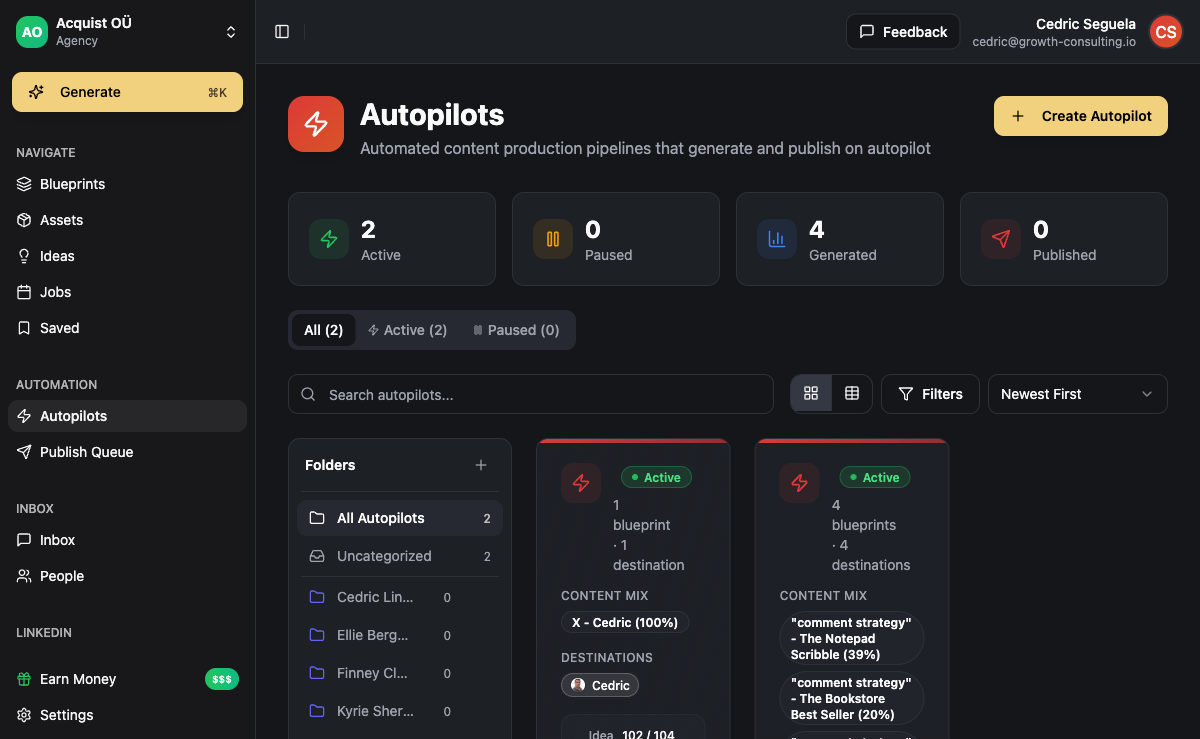
ACA, the AI-powered platform for content generation and multi-channel outreach, is built for exactly this workflow. The platform combines everything an appointment setting agency needs without requiring you to stitch together multiple separate tools:
- Lead import and ICP scoring - import from Apify, CSV, or LinkedIn exports, auto-score leads against your defined ICP criteria to prioritize Tier 1 prospects
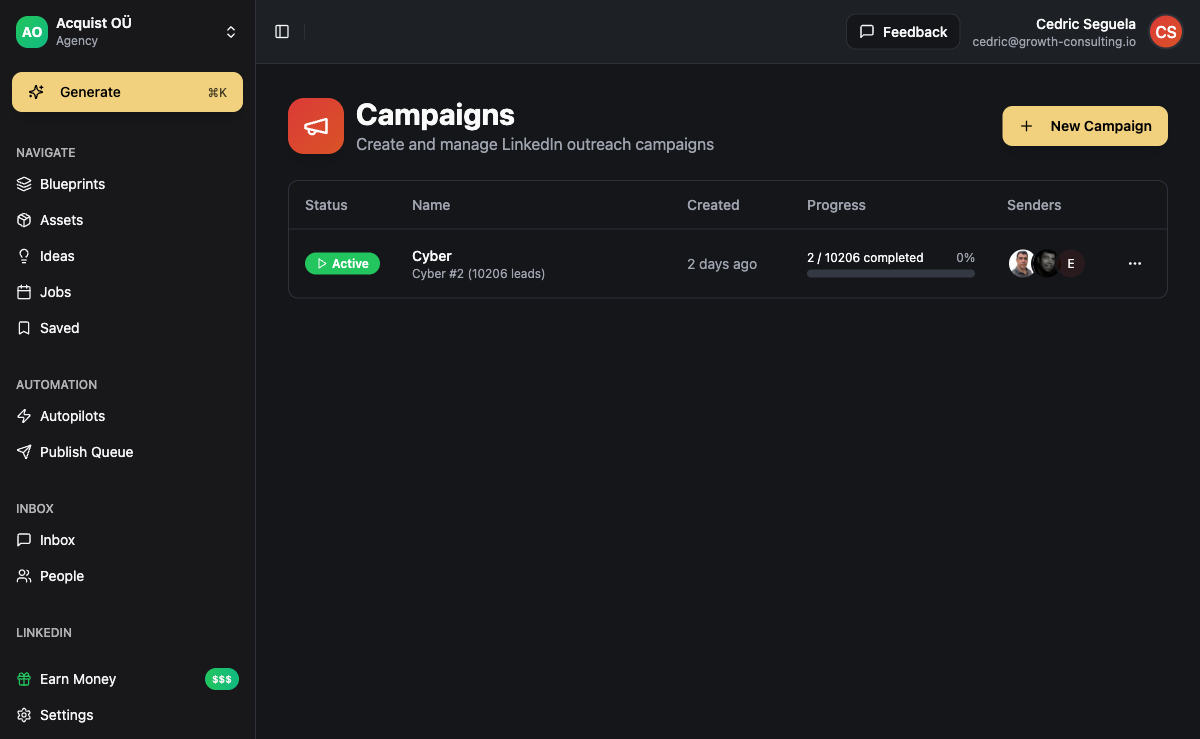
- Visual campaign builder - drag-and-drop multi-channel sequences with conditional logic (if connected / if replied / if not opened)
- AI personalization - generates custom message openings from prospect data, recent LinkedIn posts, and company information using your configured brand voice
- 6-channel outreach - LinkedIn, email, WhatsApp, Instagram, Telegram, SMS in one coordinated sequence via Unipile
- Unified inbox - all replies across every channel in one view, with handoff flags for qualified leads
- White-label workspaces - each client gets their own isolated workspace, you manage everything from your agency dashboard under your own brand
- BYOK economics - bring your own OpenAI or Anthropic API keys, keeping platform costs at $50-80/month versus $1,000+/month stacked SaaS tools
The white-label capability is what makes this work at agency scale. You are not managing 5 separate accounts in 5 separate tools. You manage everything from one place, under your own brand, with each client's data fully isolated.
For the full outreach layer setup, see the guide to running multi-channel outreach and how LinkedIn outreach automation slots into the appointment setting workflow. If you want to understand the broader AI SDR scope beyond just meetings, read the AI SDR guide.
Learn more about the platform at ACA for AI Agencies or explore the campaigns product to see the sequence builder in action.
Common Mistakes That Kill Meeting Volume
Running AI appointment setting poorly produces the same results as running it manually - very few meetings, lots of noise. Here are the mistakes that consistently underperform:
Too broad an ICP list: Sending 3,000 loosely filtered contacts a generic message about "helping businesses grow" books almost no meetings. Specificity is what makes personalization land and responses happen. Tighten your ICP before scaling volume.
Skipping lead enrichment: Enrichment takes time, so agencies cut it to save effort. The result is generic openers. Generic openers get ignored at high rates. The enrichment step is not optional - it is the engine that makes personalization work at scale.
Running one channel only: LinkedIn-only or email-only campaigns consistently underperform multi-channel. Many prospects check one but not the other. Running LinkedIn and email in parallel dramatically improves contact rates with no additional complexity once the sequence is built.
Leaving the inbox unmonitored: Interested replies go cold within hours. Set up n8n alerts so someone reviews qualified replies within the same business day. Losing meetings because of slow follow-up is one of the most common and most avoidable failure modes in appointment setting.
Trying to close in the first message: The first message should generate a reply, not a booking. Asking for a 30-minute call in the opening message kills response rates. Ask a question, create curiosity, get the conversation started. The meeting booking happens in the reply thread - not in cold outreach.
Frequently Asked Questions
How many meetings can AI appointment setting realistically book per month?
Volume depends on ICP quality, industry, and how many channels you run. In our experience, well-configured campaigns with tight ICPs and 2-3 channels consistently book 10-30 meetings per month per campaign. Agencies running multiple campaigns across different clients reach 50-100+ meetings per month total. The bottleneck is almost always ICP quality, not outreach volume - improving targeting has a larger impact than simply increasing send volume.
What is the difference between AI appointment setting and an AI SDR?
An AI SDR covers a broader scope - prospecting, outreach, qualification, nurturing, CRM updates, and reporting. AI appointment setting is specifically focused on the output: booked meetings on a calendar. In practice, the underlying setup is similar. The difference is mostly in how you frame the service and which metrics matter most. See the full AI SDR guide for a detailed breakdown of what an AI SDR handles end-to-end.
Can AI appointment setting work for high-ticket B2B services?
Yes, with adjustments. For deals above $20,000, the first message should ask for a conversation rather than leading with a direct pitch. The sequence needs tighter personalization, lower volume, and a more consultative angle. AI appointment setting works best when there is a well-defined pain point the ICP knows they have. It does not create demand for services buyers are not aware they need - it surfaces demand that already exists.
What channels work best for B2B appointment setting in 2026?
LinkedIn remains the primary channel for most B2B outreach - connection requests and direct messages have the highest engagement rates of any cold outreach format for professional buyers. Email is important for volume and as a backup channel for prospects not responsive on LinkedIn. WhatsApp and Instagram DM are effective for specific industries (agencies, coaches, consultants) and geographies where those channels are primary for business communication. LinkedIn plus email is the minimum viable multi-channel setup.
How long does it take to set up an AI appointment setting campaign?
With ACA, setup takes 1-3 days. Day 1: import and enrich your lead list, configure ICP scoring criteria. Day 2: build your campaign sequence in the visual campaign builder, write and test message templates. Day 3: review the full sequence, run a small test batch, then launch. First replies typically arrive within 3-5 business days of launch depending on your channel mix and ICP.
Do I need technical skills to run AI appointment setting?
No coding required. Platforms like ACA provide drag-and-drop campaign builders, pre-built sequence logic, and guided setup for connecting LinkedIn and email accounts. The skills you need are copywriting (for message templates), ICP definition (knowing exactly who you are targeting and why), and inbox management (reviewing and responding to replies quickly). The AI handles automation, personalization generation, and multi-channel routing.