
AI cold email is not about sending more emails. It is about sending the right email, to the right person, at the right time - with infrastructure that keeps you out of spam. In 2026, agencies that crack AI cold email are booking 30-60 meetings per month without a single SDR. Here is the exact framework they use.
What Is AI Cold Email?
AI cold email is the practice of using artificial intelligence to research, personalize, sequence, and optimize outbound email campaigns at scale. Rather than writing one template and blasting it to thousands of prospects, AI cold email systems generate individualized messages for each recipient - drawing from their LinkedIn activity, company news, job title, and other signals - while automation handles delivery timing, follow-ups, and reply detection.
The result is outreach that reads like it was written specifically for that person, because it was - just not by a human.
Done right, AI cold email combines the efficiency of bulk outreach with the conversion rates of genuine 1:1 messaging. Done wrong, it accelerates the same mistakes that get domains blacklisted and campaigns shut down.
Why Volume Kills Deliverability
Most agencies damage their cold email results by scaling the wrong way. They rent a single domain, spin up one sending account, load in 5,000 leads, and hit send. Within two weeks, the domain is flagged, the open rates collapse, and they are starting over from scratch.
Here is what actually happens when you scale cold email without infrastructure:
Volume without warm-up triggers spam filters
Gmail and Outlook use engagement signals to decide inbox placement. A new domain that suddenly sends 500 emails on day one has no history - it looks like a spam operation. Even if your copy is perfect, the message lands in spam before anyone reads it.
Cold email at scale requires email warm-up (sending small volumes of real conversations to build sender reputation over 3-6 weeks) before ramping to full volume.
Generic messages tank reply rates - and hurt deliverability
Low reply rates are not just a conversion problem. They are a deliverability signal. When recipients mark your emails as spam or delete them unopened, email providers downgrade your sender score. This creates a compounding problem: bad copy leads to poor engagement, which leads to worse inbox placement, which means even good future emails land in spam.
AI personalization solves both problems at once. Higher reply rates improve sender reputation, which improves deliverability, which means more replies. It is a positive flywheel once you get it right.
The 5-Step AI Cold Email Framework
The agencies consistently booking 50+ meetings per month from cold email follow a specific infrastructure pattern. We call it the ACA Cold Email Infrastructure Method. Here are the five steps:
Step 1: Build sending infrastructure before you send a single email
Set up 3-5 sending domains per client (separate from their primary domain). Authenticate all of them with SPF, DKIM, and DMARC. Create 2-3 mailboxes per domain. Run an automated warm-up for 4-6 weeks before sending any real campaigns. This step alone separates agencies with consistent inbox placement from those stuck troubleshooting spam issues.
Step 2: Enrich your leads before writing a word
AI personalization is only as good as the data you feed it. Before any email is written, run each lead through an enrichment step: pull their LinkedIn activity, recent posts, company news, hiring signals, and tech stack. The richer the input, the more relevant the AI-generated message. ACA's built-in enrichment pipeline automates this before passing leads to the campaign.
Step 3: Generate personalized opening lines per lead
The subject line and first two sentences determine whether your email gets read. AI can generate a unique opening for each lead based on their enriched profile - referencing a post they wrote, a company milestone, or a hiring signal. This is not mail merge with a first name. It is contextual personalization that makes the recipient feel like you actually researched them.
Step 4: Build a multi-touch sequence, not a single email
Most cold email replies come after the second or third follow-up. A 4-6 step sequence (initial email + 3-4 follow-ups + one breakup email) dramatically outperforms single-email campaigns. Each follow-up should be short, add new context, and have a different angle - not just "following up on my last email."
Step 5: Monitor sending velocity and rotate mailboxes
Send no more than 30-50 emails per mailbox per day. Watch your bounce rates (keep below 3%), unsubscribe rates, and spam complaint rates daily. If any metric spikes, pause that mailbox and investigate before continuing. Rotating across multiple mailboxes per domain spreads volume and protects your sender reputation.
AI Personalization: What Actually Moves the Needle
Not all AI personalization is equal. Here is what the data from ACA campaigns shows moves reply rates - and what does not:
| Personalization Type | Impact on Reply Rate | Difficulty to Scale |
|---|---|---|
| First name only | Minimal - everyone does this | Very easy |
| Company name + industry reference | Low - still feels generic | Easy |
| Recent LinkedIn post reference | High - shows real research | Medium with AI enrichment |
| Specific company news or hiring signal | High - timely and relevant | Medium with AI enrichment |
| Pain point tied to their role + company stage | Very high - hits buying triggers | High - needs good ICP data |
| Multi-channel context (saw your LinkedIn post + emailing) | Very high - feels natural | High - requires multi-channel setup |
The highest-performing AI cold email campaigns reference something specific about the recipient - a post they wrote, a product they just launched, a role they just hired for. This level of personalization requires enrichment automation. Trying to do it manually at volume is not realistic.
In our experience running campaigns for agencies on ACA, leads that receive AI-personalized opening lines based on their recent activity respond at 2-3x the rate of template-only approaches. The investment in enrichment infrastructure pays for itself quickly.
Cold Email + Multi-Channel: The Full Outreach Stack
Cold email alone is becoming harder every year. Inbox placement is tighter, competition for attention is higher, and buyers need multiple touchpoints before they respond. The agencies consistently winning in 2026 are not running email-only campaigns - they are running email as one channel in a coordinated multi-channel sequence.
A typical high-performing sequence looks like this:
- LinkedIn connection request (personalized note, day 1)
- LinkedIn message if accepted (day 3)
- Cold email with LinkedIn reference (day 5)
- Email follow-up 1 (day 8)
- LinkedIn follow-up or InMail (day 12)
- Final email (day 15)
When a prospect sees a message from you on LinkedIn and then an email two days later that references the LinkedIn connection, it creates credibility. It no longer feels cold - it feels like a warm follow-up. This is what separates agencies booking 50+ meetings from those stuck at single digits.
| Approach | Channels | Avg Reply Rate | Infrastructure Required |
|---|---|---|---|
| Email only, generic template | 1 | 0.5-1% | Low |
| Email only, AI-personalized | 1 | 2-4% | Medium (enrichment + warm-up) |
| LinkedIn + Email sequence | 2 | 4-7% | Medium |
| LinkedIn + Email + WhatsApp | 3 | 7-12% | High (multi-channel platform) |
| Full 6-channel AI sequence (ACA) | 6 | 10-15%+ | High (unified platform) |
Note: reply rates vary significantly by industry, ICP quality, and message copy. These ranges reflect patterns observed in ACA campaigns, not universal benchmarks.
For a deeper look at running multi-channel campaigns, see: ACA Multi-Channel Outreach.
Running AI Cold Email Campaigns in ACA
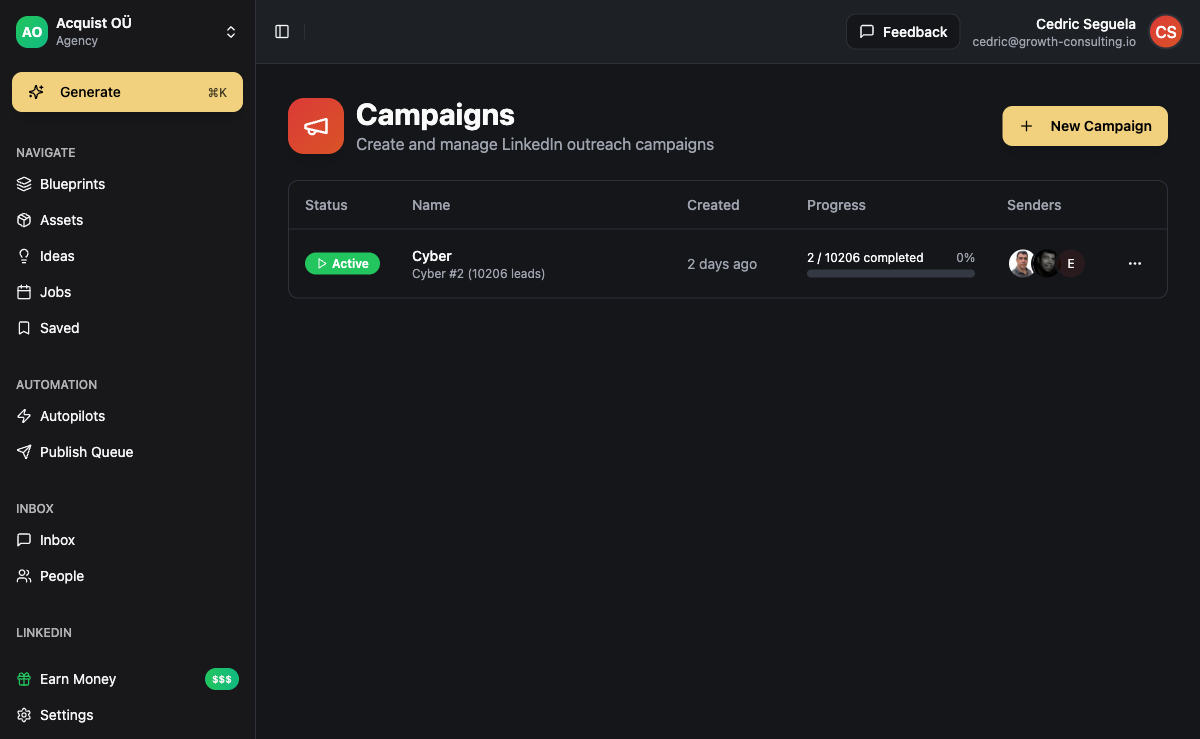
ACA, the AI-powered platform for content generation and multi-channel outreach, handles the full AI cold email workflow in one place - without requiring you to stitch together separate tools for enrichment, sequencing, and inbox management.
Here is how a typical cold email campaign runs in ACA:
1. Import and enrich leads
Import leads via CSV or connect the Apify B2B Lead Finder integration to pull leads directly from LinkedIn search. ACA's enrichment pipeline automatically pulls additional context for each lead before they enter any campaign sequence.
2. Build your sequence in the visual campaign builder
Drag and drop steps in the ACA campaign builder - email step, delay, condition (did they reply? did they click?), follow-up, channel switch to LinkedIn if no reply. The builder supports conditional branching so your sequence adapts based on each lead's behavior.
3. Set up AI personalization per step
For each email step, configure the AI personalization instructions. ACA pulls from the enriched lead data to generate unique opening lines, subject line variants, and message angles per recipient. You control the persona, tone, and constraints - the AI handles individualization at scale.
4. Monitor replies in the unified inbox
All replies - across email, LinkedIn, WhatsApp, and other channels - land in ACA's unified inbox. No switching between platforms. When a lead replies via LinkedIn after getting an email, you see both in one thread. This keeps your team's response time fast and prevents leads from slipping through the cracks.
5. Use n8n for advanced routing
For agencies running complex workflows - routing hot replies to a CRM, triggering notifications on Slack, or auto-updating pipeline stages - ACA integrates with n8n for custom automation. Set up a webhook from ACA to n8n, build your routing logic once, and let it run automatically when replies come in.
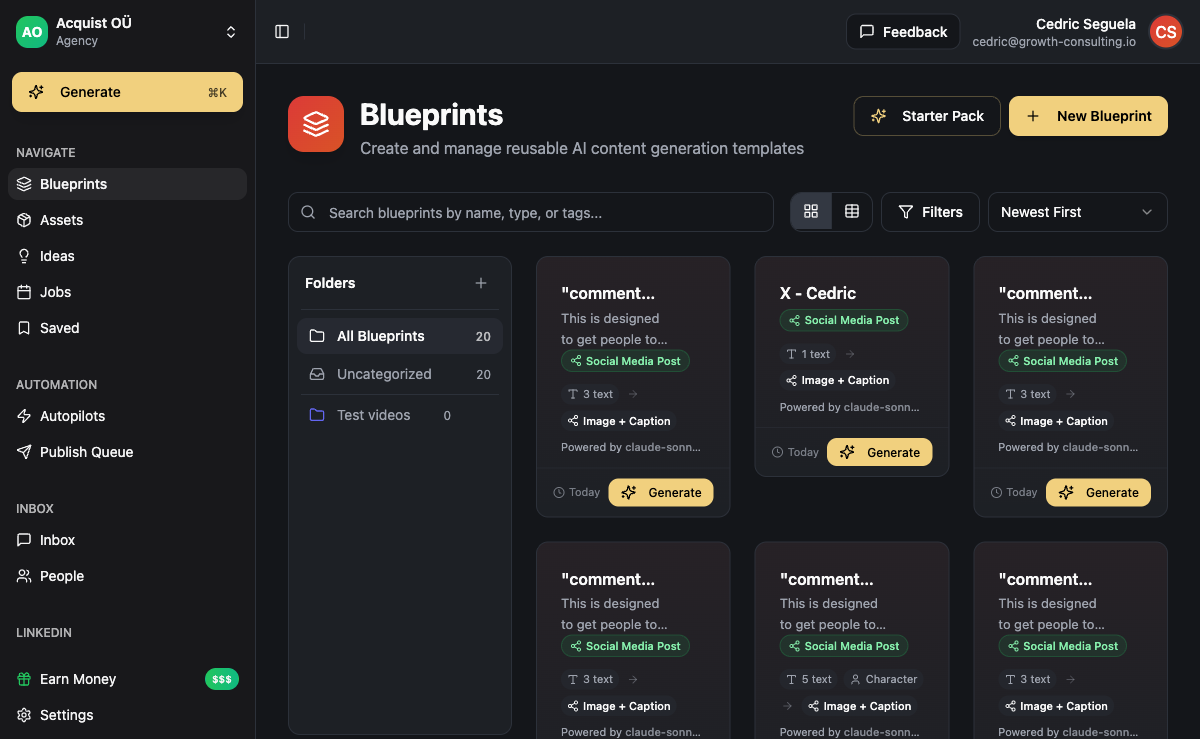
The BYOK model means you bring your own OpenAI (or other provider) API key. Your AI personalization costs are passed directly to the API provider - no markup, no per-email charges from ACA. In our experience, agencies running 2,000-5,000 personalized emails per month spend $10-25 in API costs, compared to $50-200 with per-credit SaaS tools.
For more on B2B lead generation with AI, see: B2B Lead Generation with AI: 7 Strategies That Fill Pipelines.
Frequently Asked Questions
Is AI cold email legal?
Cold email is legal in most jurisdictions when you follow anti-spam regulations. In the US, CAN-SPAM requires a physical address, a clear way to unsubscribe, and no deceptive subject lines. In the EU, GDPR applies to cold email - you need a legitimate interest basis to email business contacts. AI personalization does not change the legal requirements; it changes the message quality. Always include an unsubscribe option in every email and honor opt-out requests immediately.
How many cold emails can I send per day without hurting deliverability?
The safe limit depends on your sending infrastructure. A well-warmed mailbox that has been active for 4-6 weeks can typically send 30-50 emails per day without significant deliverability risk. If you need more volume, add more warmed mailboxes rather than pushing one mailbox beyond its safe threshold. Agencies sending to 5,000+ leads per month typically run 10-20 warmed mailboxes across 3-5 domains.
Does AI personalization actually improve reply rates?
Yes - when the personalization is based on real, relevant context. Inserting a first name or company name is not meaningful personalization. Referencing a LinkedIn post the prospect wrote last week, or a product they just launched, signals that you actually researched them. This is what AI cold email does well at scale: it makes each message feel like it was written specifically for that person, because the AI used their actual data to write it.
What is the difference between AI cold email and regular cold email automation?
Regular cold email automation sends the same template to everyone, with basic variable substitution (name, company). AI cold email uses language models to generate unique messages per recipient, based on enriched prospect data. The result is messages that vary meaningfully in tone, angle, and content - not just in the name field. AI cold email requires an enrichment step before generation, which adds infrastructure complexity but significantly improves conversion rates.
How do I measure if my AI cold email campaign is working?
Track these metrics in order of priority: (1) Reply rate - aim for 3%+ for AI-personalized campaigns. (2) Positive reply rate (replies expressing interest, not just "remove me") - aim for 1-2%. (3) Meeting booked rate from positive replies - aim for 40-60%. (4) Spam complaint rate - keep below 0.1%. If reply rate is under 1%, fix the copy and targeting first. If it is over 1% but positive replies are low, fix the offer. If positive replies are high but meeting bookings are low, fix the qualification process.
Can I run AI cold email alongside LinkedIn outreach from the same platform?
Yes - and you should. Multi-channel sequences that combine LinkedIn and email consistently outperform single-channel campaigns. Platforms like ACA run both channels from a single campaign builder, coordinating timing and conditions between channels. When a prospect does not reply to your LinkedIn message, the sequence automatically continues with an email, and vice versa. This coordination is what drives the higher reply rates in multi-channel vs single-channel comparisons.